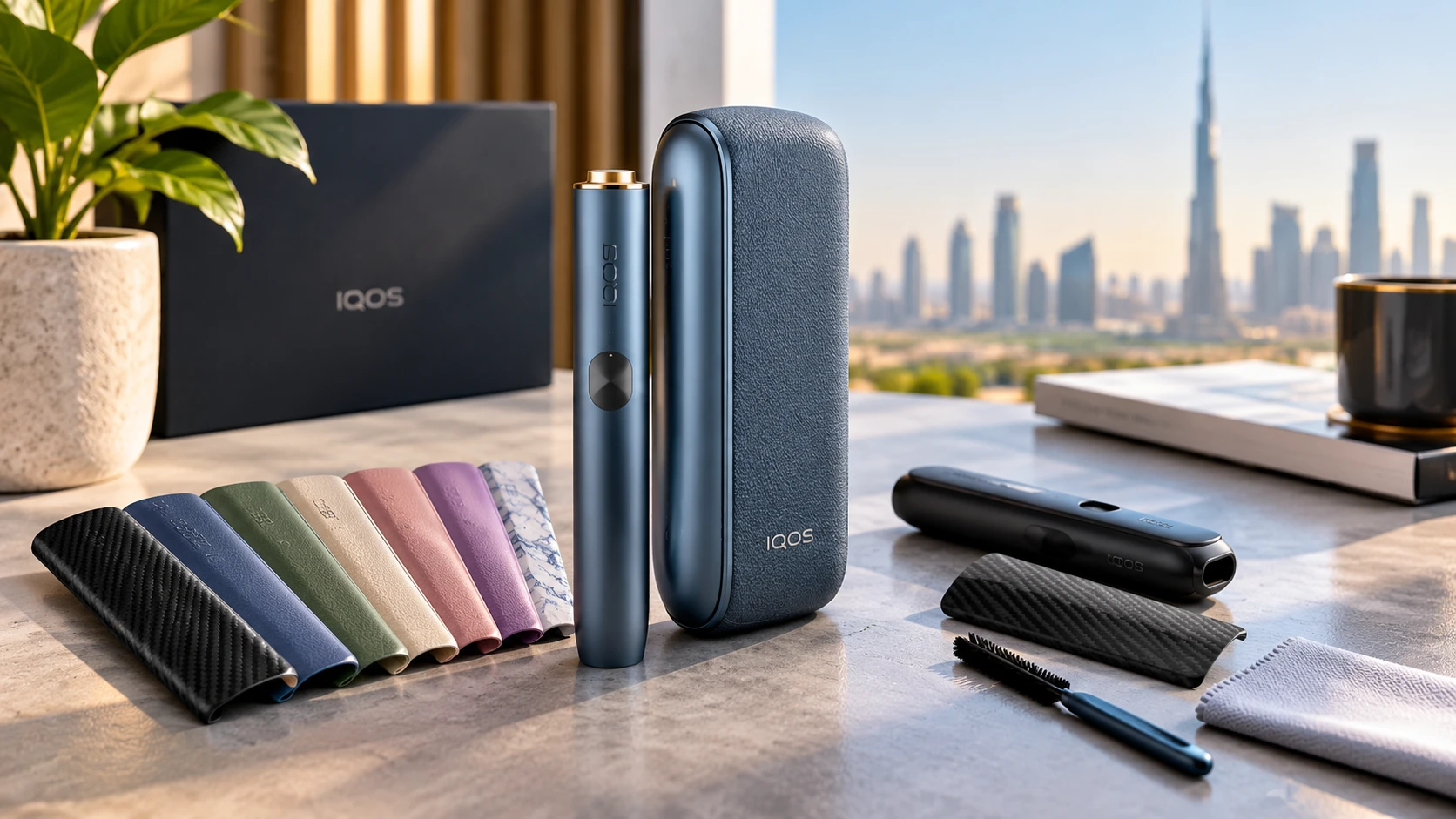
The IQOS ILUMA PRIME has a distinctive look, but one of its most interesting design features is that you can change its outer wrap. If you prefer a different colour, want to refresh the appearance of your device, or simply need to replace a worn wrap, you do not necessarily need to buy a new device.
Still, there is a little more to IQOS ILUMA PRIME wraps than choosing a colour you like. The original wrap is different from an adhesive skin, a protective sleeve, or a replacement device component. Understanding those differences can help you choose the right accessory and avoid unnecessary damage.
In this guide, we explain how IQOS ILUMA PRIME wraps work, how to change and care for them, when replacement makes sense, and what buyers in the UAE should consider before purchasing a new one.
What’s Special About IQOS ILUMA PRIME’s Design?
The IQOS ILUMA PRIME is designed with a premium appearance, combining an aluminium body with a distinctive outer wrap on the pocket charger. Depending on the version and market, the wrap may use leather or fabric materials.
This design gives the device a different look from models that rely mainly on an exposed plastic exterior. It also makes customization part of the overall design rather than something that necessarily requires a separate decorative sticker.
The wrap can be changed to suit your preferences. Some available designs feature leather-like finishes, soft-touch materials, iridescent effects, or fabrics with multicolour details. Availability varies by market and product range, so not every finish will necessarily be available from UAE retailers.
There is one important detail to understand: the IQOS ILUMA PRIME wrap is fitted to the pocket charger, not the holder that heats the tobacco stick. This distinction matters when shopping for accessories because a wrap, a holder ring, and a door cover are different products designed for different parts of a device.
The wrap is primarily a customization feature. Although it covers part of the exterior, it should not automatically be treated as impact protection or a guarantee against scratches.
Can I Change the IQOS ILUMA PRIME Wrap?
Yes. The IQOS ILUMA PRIME has a removable wrap designed to be changed without dismantling the electronic device.
The original wrap uses a magnetic attachment system. This allows the wrap to be removed from the pocket charger and another compatible wrap to be fitted in its place.
For example, you might prefer a fabric finish when you first purchase your device but later decide that a different colour or material better suits your style. Replacing the wrap gives you that option without requiring you to replace the entire pocket charger.
The process is intended for the external wrap only. You should not need to open the charger’s housing, remove screws, or access its internal components.
Before changing it, make sure you have a compatible replacement designed for the IQOS ILUMA PRIME. An adhesive skin advertised for an IQOS device is not necessarily equivalent to the original PRIME wrap.
If the wrap is stuck, damaged, or unusually difficult to remove, avoid forcing it. Check the product instructions or ask an appropriate support representative for guidance.
IQOS ILUMA PRIME Wraps: Types and Customization Options
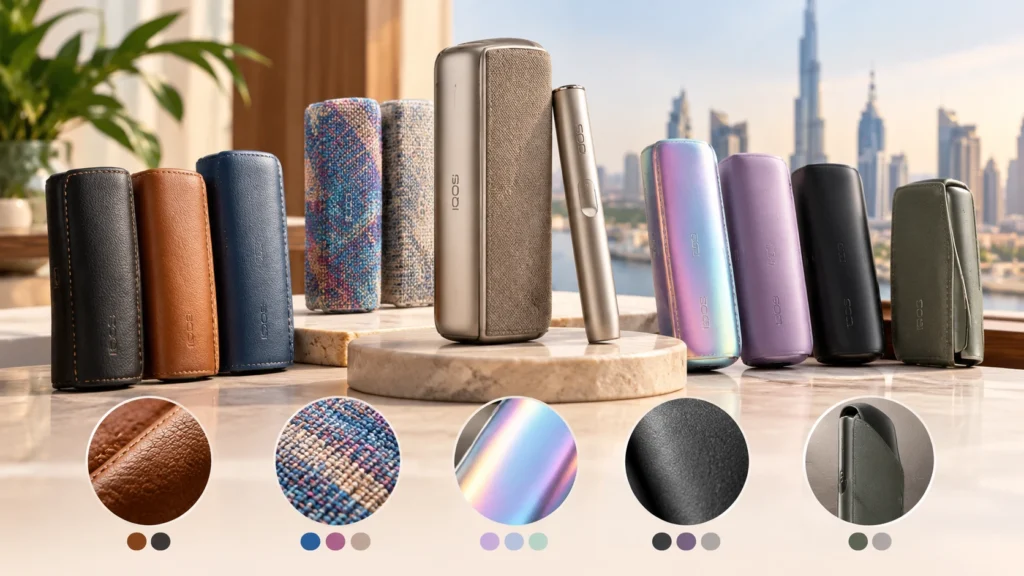
IQOS ILUMA PRIME wraps are available in different materials and finishes, although the selection depends on the market and current availability.
1. Leather and leather-like finishes
Leather and leather-like finishes offer a textured, refined appearance. They may suit users who prefer a classic design rather than a brightly coloured or highly reflective finish.
The exact material matters when it comes to cleaning. A leather wrap should not automatically be treated like synthetic leather or vinyl, so follow the care instructions for the specific product.
2. Fabric wraps
Fabric wraps offer a different texture and visual style. Some designs feature multicolour effects, giving the pocket charger a more distinctive appearance.
Fabric can also behave differently from a smooth finish when exposed to dust, friction, or moisture. Regular, gentle care is preferable to aggressive cleaning.
3. Iridescent and soft-touch finishes
Some wraps feature iridescent effects that change their appearance depending on the lighting. Others use soft-touch materials for a different feel in the hand.
These options are useful if appearance and texture are your main priorities. However, the finish alone does not tell you how durable an accessory will be. Check the material description and care instructions before buying.
4. Full-coverage wraps
Certain wrap options are designed to replace the original outer wrap and provide fuller coverage of the pocket charger.
If you want to change the appearance of a larger area, this type may be worth considering. Confirm that the product is specifically designed for the IQOS ILUMA PRIME and that it includes the components you expect.
What about third-party skins and covers?
Third-party adhesive skins, removable covers, and carrying sleeves are separate accessory categories. They may offer additional customization choices, but they are not automatically interchangeable with the original PRIME wrap.
A skin generally attaches to an exterior surface, while a sleeve is intended to hold or cover a device. Neither should be assumed to use the PRIME wrap’s magnetic attachment system.
How to Apply and Remove an IQOS ILUMA PRIME Wrap
Changing the original wrap is relatively straightforward when you use the correct accessory and follow the intended procedure.
How to remove the existing wrap
- Hold the pocket charger securely.
- Open the wrap fully as intended by its design.
- Pull the wrap out from the top down, following the manufacturer’s instructions.
- Remove it carefully from the pocket charger without twisting or forcing the device.
If the wrap does not release as expected, stop and check the instructions rather than using a tool to pry it away.
How to attach a replacement wrap
- Check that the replacement is compatible with the IQOS ILUMA PRIME.
- Identify the linear magnets and the matching recesses on the pocket charger.
- Position the replacement wrap correctly.
- Slide the linear magnets into their corresponding recesses.
- Check that the wrap sits properly and is securely fitted.
The wrap should align with its intended position without being forced. If it does not fit, double-check the model and accessory rather than assuming that additional pressure will solve the problem.
These instructions apply to the original removable wrap. Third-party adhesive skins may have a different installation process and should be fitted according to their own instructions.
How to Clean and Care for IQOS ILUMA PRIME Wraps
A little care can help keep an IQOS ILUMA PRIME wrap looking presentable. The best approach is simple: clean it gently and avoid products that may affect the material.
For the original leather wrap, IQOS recommends wiping it gently with a damp cloth. Avoid scrubbing aggressively, soaking the material, or using unapproved cleaning chemicals.
If your replacement wrap uses fabric or another material, check its specific care instructions rather than assuming the same method is suitable for every finish.
A few everyday habits can also help:
- Handle the wrap with reasonably clean hands to reduce the transfer of oils and dirt.
- Avoid leaving the device in excessively hot places or direct sunlight for long periods.
- Keep liquids away from the pocket charger’s openings and seams.
- Do not use abrasive pads or sharp tools to remove marks.
- Allow the exterior to dry appropriately after gentle cleaning before returning to normal handling.
You do not need to remove the wrap constantly just to keep it clean. If you do remove it, handle it carefully and follow the intended fitting procedure when putting it back.
Remember that cleaning the wrap is different from cleaning the electronic device itself. Follow the device’s own care instructions and do not allow moisture to enter its openings.
When Should You Replace an IQOS ILUMA PRIME Wrap?
There is no single replacement schedule that applies to every wrap. How often you need a new one depends on the material, how frequently you handle the device, and how well you care for the accessory.
Here are a few reasons to consider a replacement.
Visible wear: If the material becomes badly worn, discoloured, or damaged, a replacement may restore the appearance you prefer.
Tears or damaged edges: A wrap that no longer sits properly should be checked rather than repeatedly forced into place.
A change in personal style: Sometimes there is nothing wrong with the existing wrap. You may simply want a different colour, finish, or texture.
Persistent marks: If ordinary, material-appropriate cleaning does not improve the appearance, replacing the wrap may be more practical than attempting stronger cleaning methods.
Before replacing it, check whether the problem is limited to the wrap itself. Damage to the pocket charger or another device component should not be covered up with a new accessory.
Can Wraps Affect Charging, Device Fit or Warranty?
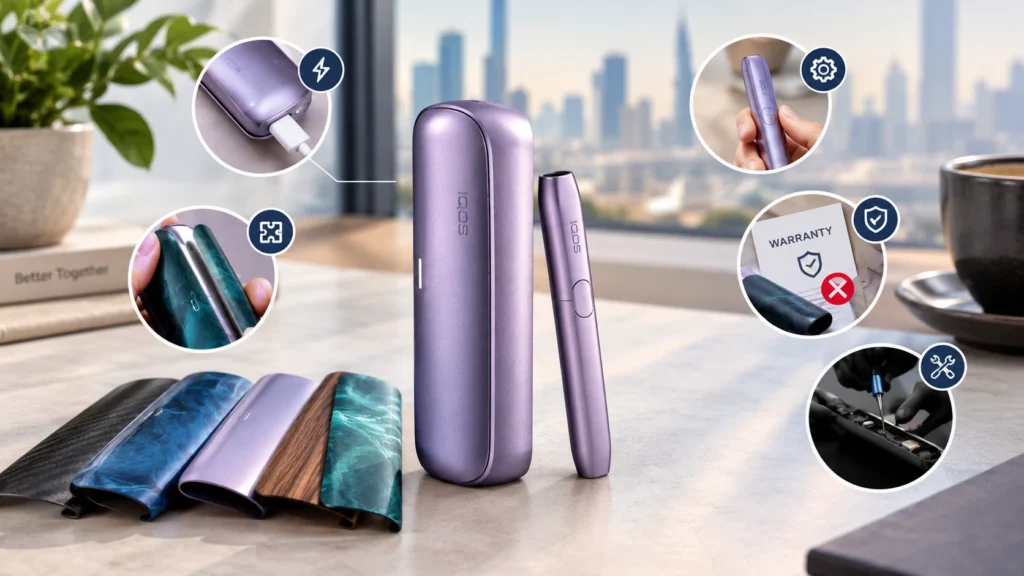
A correctly fitted, compatible wrap is designed for the device, but it is still important to use the right accessory.
Charging and fit: The original PRIME wrap should be fitted using its intended attachment system. If a third-party cover interferes with the charging arrangement or prevents components from fitting properly, remove it and check its compatibility.
Device operation: A decorative wrap does not improve the device’s internal performance. If the device behaves unusually after an accessory change, remove the accessory if safe to do so and consult the appropriate troubleshooting guidance.
Warranty: IQOS states that wraps are not covered by its warranty. This means you should not assume that damage to the wrap itself will qualify for a warranty replacement. Coverage for the electronic device is a separate matter and depends on the applicable terms.
Changing the external wrap is also different from opening the pocket charger or attempting to replace its internal housing. Leave internal repairs to appropriately authorised service professionals.
Buying IQOS ILUMA PRIME Wraps in the UAE: What to Check
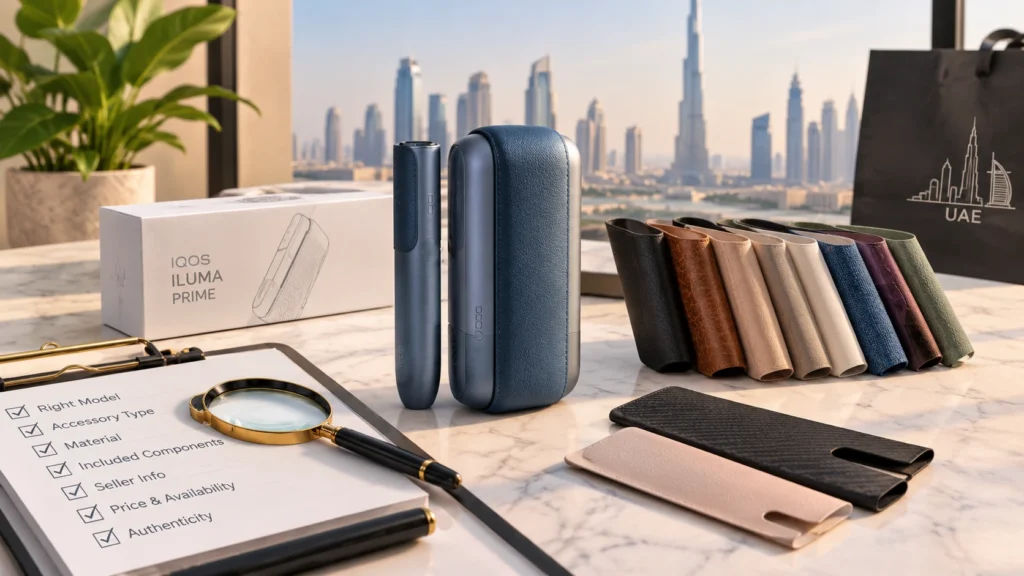
When shopping for a replacement wrap in the UAE, it is worth spending a little time checking the product details. A good-looking photograph is not enough to confirm that an accessory is suitable.
Check the exact model. Look for a wrap explicitly identified as compatible with IQOS ILUMA PRIME.
Confirm the accessory type. Make sure you are buying the original-style removable wrap, an adhesive skin, a cover, or a sleeve according to your actual needs.
Review the material. Check whether the listing identifies leather, fabric, leather-like material, or another finish. This information will help you understand how to care for the product.
Inspect the included components. If you expect a complete replacement wrap, confirm what is included rather than assuming every listing contains the same items.
Check seller information. Look for clear product descriptions, accurate photographs, and a return policy for incorrect or defective products.
Compare availability and price. Designs and prices can vary between UAE sellers. Compare equivalent products rather than judging value from the advertised price alone.
Finally, do not assume that an accessory is an official IQOS product simply because it mentions IQOS in its listing. Check the product’s branding and description before purchasing.
Frequently Asked Questions
Can I change the IQOS ILUMA PRIME wrap myself?
Yes. The original wrap is designed to be removable. Follow the manufacturer’s procedure and avoid dismantling the pocket charger.
Is the IQOS ILUMA PRIME wrap attached with magnets?
The original wrap uses linear magnets that fit into matching recesses on the pocket charger. This is different from an adhesive skin.
How do I clean the original leather wrap?
IQOS recommends gently wiping the leather wrap with a damp cloth. Avoid harsh cleaning products and excessive moisture.
Is the IQOS ILUMA PRIME wrap covered by warranty?
No. IQOS states that wraps are not covered by its warranty. Check the applicable terms for coverage of the electronic device itself.
Can I use an adhesive skin instead of an original wrap?
A compatible third-party skin may be an option for exterior customization, but it is a different product. Check its intended fit, installation method, and compatibility before use.
Are all IQOS ILUMA wraps interchangeable?
No. Accessories can differ by model, shape, attachment method, and coverage. Check compatibility with your exact device before ordering.
Does changing the wrap improve device performance?
No. The wrap is an exterior customization accessory. Changing it does not improve the device’s internal technology or performance.